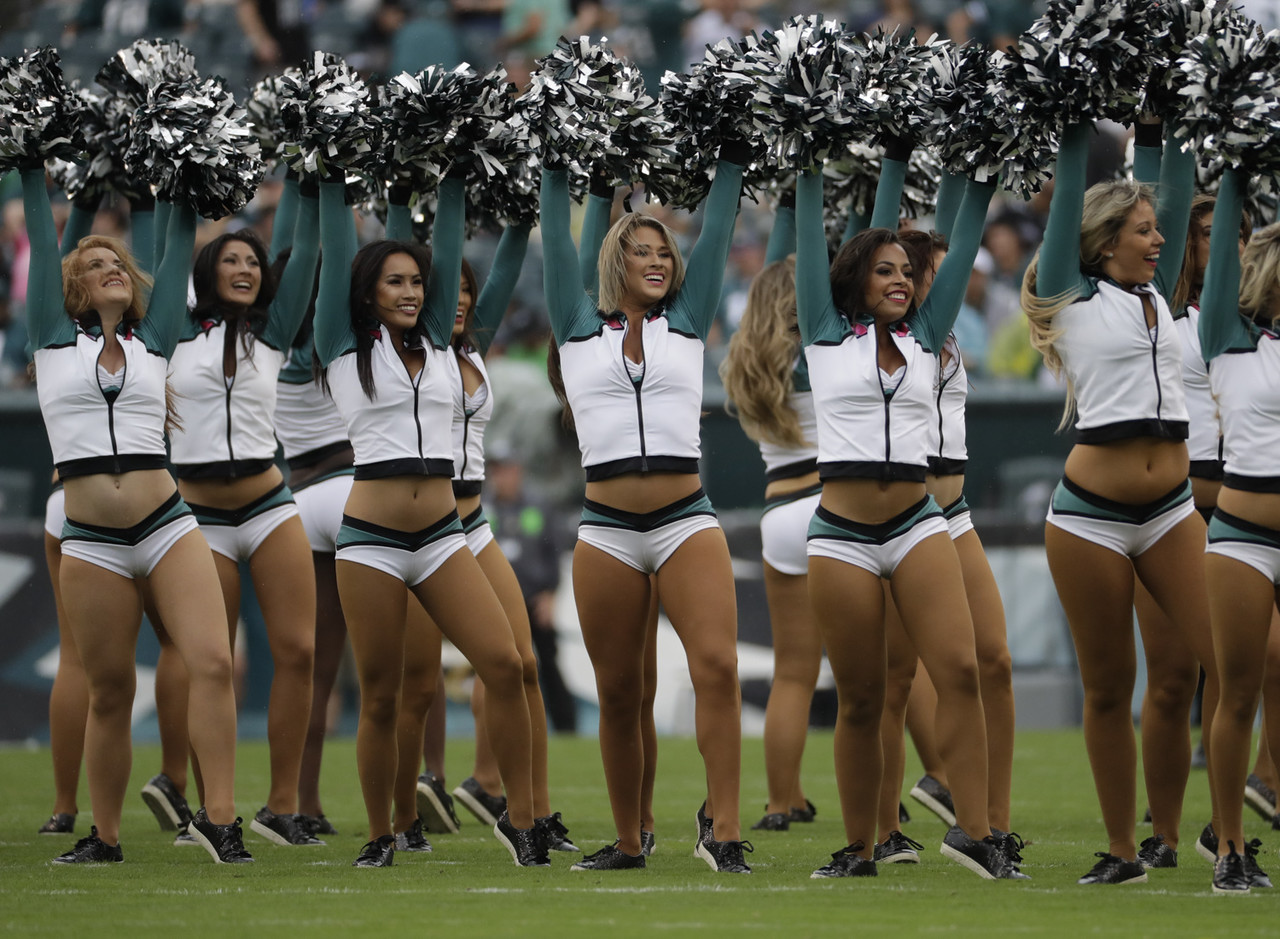
The Colts Cheerleaders added a splash of color as they joined the NFL’s national “A Crucial Catch” campaign in partnership with the American Cancer Society. Click here to view the gallery.



The Colts Cheerleaders added a splash of color as they joined the NFL’s national “A Crucial Catch” campaign in partnership with the American Cancer Society. Click here to view the gallery.
The Dallas Mavericks Dancers recently held their calendar release party and they team uploaded a gallery of photos from the event. Click here to view the gallery.

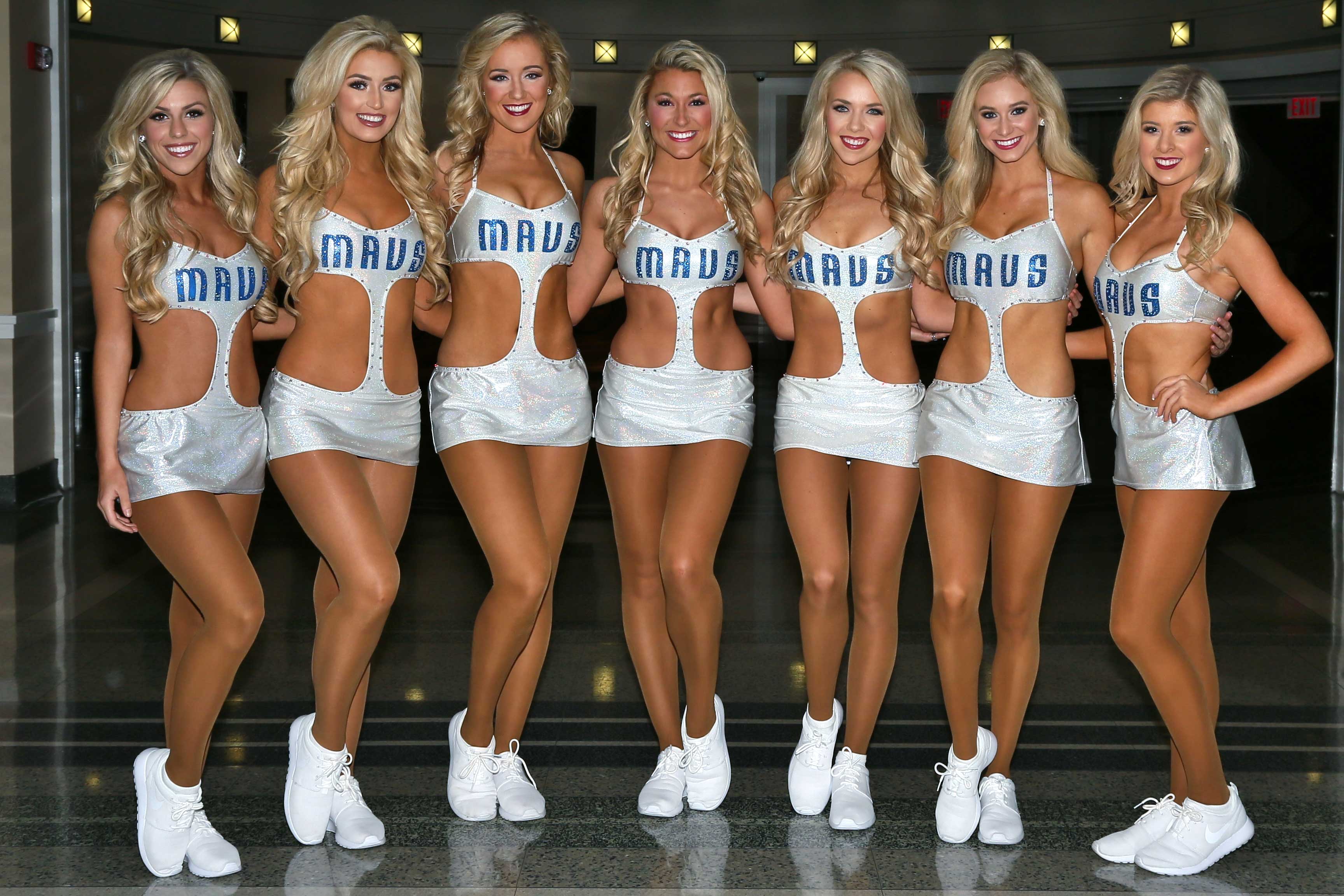


The Detroit Lions have uploaded a gallery of cheerleader images from week 5. Click here to view the gallery.


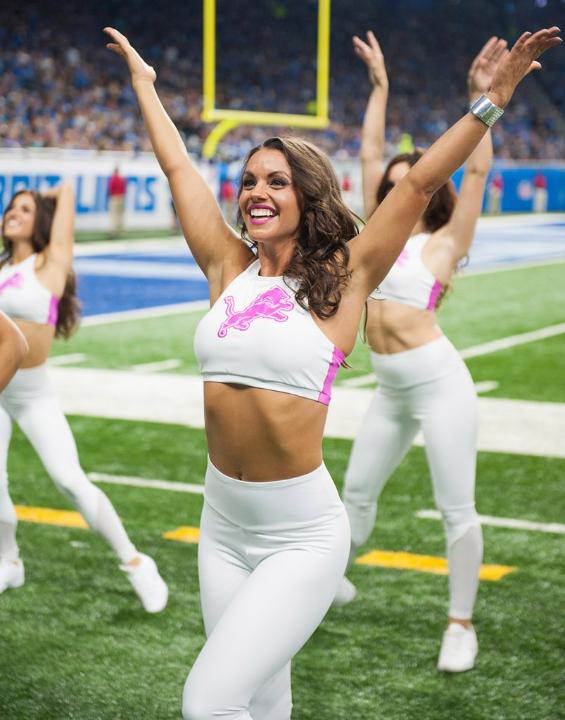

The Cincinnati Bengals have uploaded a gallery of cheerleader images from week 5. Click here to view the gallery.


Photos by Steve France.
The Tampa Bay Buccaneers have uploaded a gallery of cheerleader images from week 5. Click here to view the gallery.


I bought a new ultra book laptop and I was reminded that for the best color representation, you should calibrate your monitor. While perusing some of the websites that I frequent commonly, I noticed that the colors were a bit off…too yellowish green. Windows has a nice tool to calibrate your display and the following video shows you how to do so.
As for Mac users, I am at a loss as I am strictly a Windows guy. I suppose you’ll have to use google to figure out how to calibrate your Mac.
So, if you want to optimize your viewing enjoyment of this site and others, by all means calibrate your monitor!



 \
\